Archived forum. This is a read-only copy of the Smart Keyboard community forum (2010–2015), kept for its history and its skins. Posts are shown as they were written, so some answers are out of date — see Help for current information. Want a post of yours removed? Email contact@smartkeyboardpro.com.
Alternate character in Compact mode
bagus
I'm using Samsung i5500 v2.1 with Smart Keyboard Pro 4.1.2.
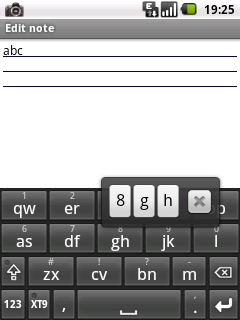
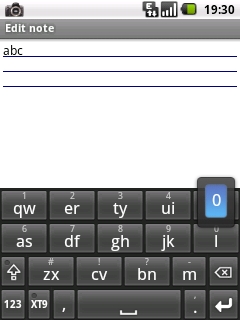
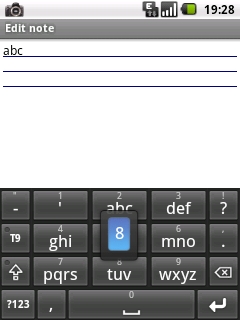
When in Compact mode, long press on button will popup all the character CAP201106081925.jpg But its not happening if there is only one character like "l" or "m" CAP201106081929.jpg In Normal and T9 mode, everything work fine CAP2011060819281.jpg Can you fix this?
Thanks
cyrilDeveloper
This was a recent addition and will be removed in the next version due to several complaints.