Archived forum. This is a read-only copy of the Smart Keyboard community forum (2010–2015), kept for its history and its skins. Posts are shown as they were written, so some answers are out of date — see Help for current information. Want a post of yours removed? Email contact@smartkeyboardpro.com.

Resurrected Skins [Updated to Black Suggestion Bars]

yhwhsupports
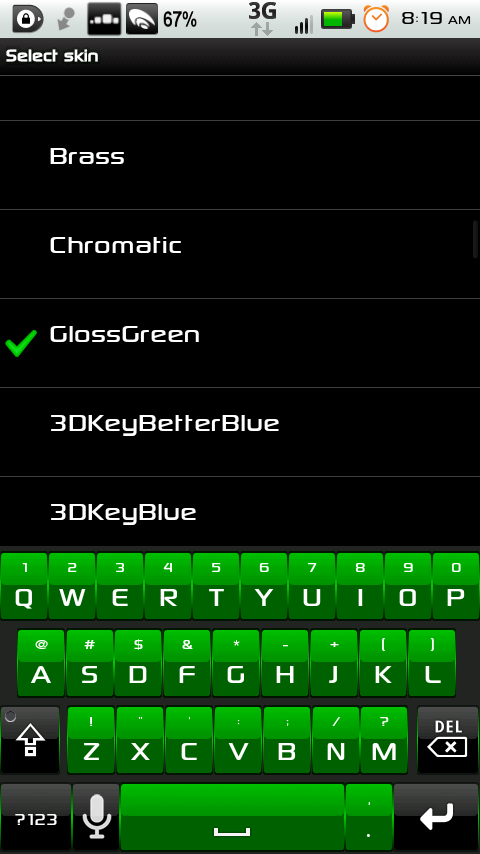
This thread is for some skins that have apparently been somewhat forgotten about, that I have made some changes to, and wanted to share them with everyone else. I hope at least someone likes them. I did not create the skins, just modified them. The first one I believe belongs to Link, and I just changed the keys to green with black press. Every skin (at least that I post) is only for hdpi screens unless it states otherwise.

*******I haven't gotten around to fixing all of them, but look back in a week or so to see the others with black suggestion bars as well. I've labelled the ones that have a black suggestion bar*******
Attachments

GlossGreen.zip 39.5 KB · downloaded 1,678 times

GlossGreen.png
GlossGreen.png
yhwhsupports
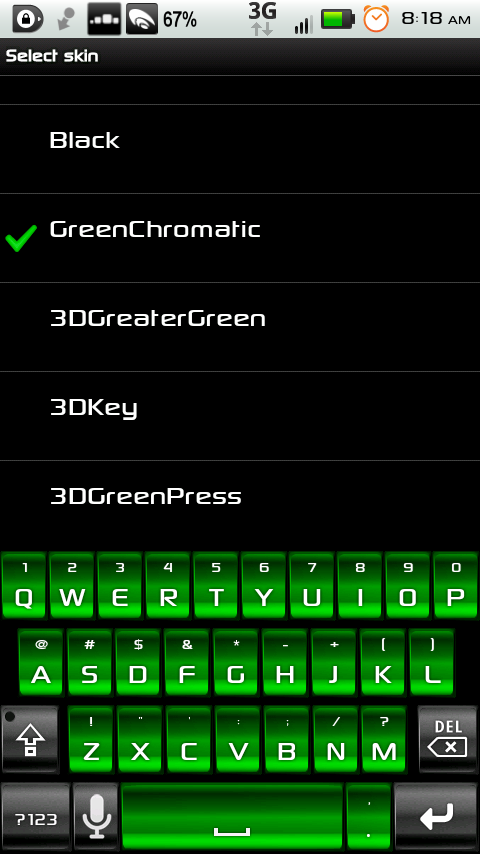
I think this one was originally done by Link as well (that guy's got some serious skills). I like green if you couldn't tell. :D

Attachments

GreenChromatic.zip 60.0 KB · downloaded 1,829 times

GreenChromatic.png
GreenChromatic.png
yhwhsupports
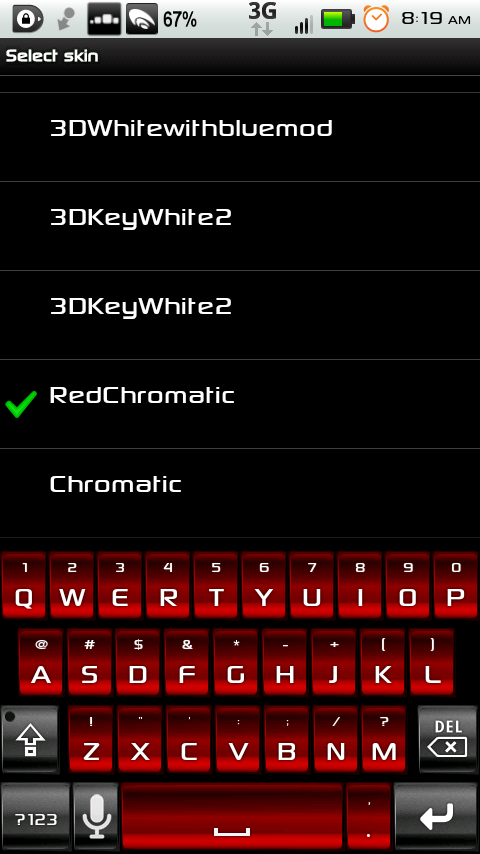
I've got red carpet in my room...

Attachments

RedChromatic.zip 65.2 KB · downloaded 1,951 times

RedChromatic.png
RedChromatic.png
yhwhsupports
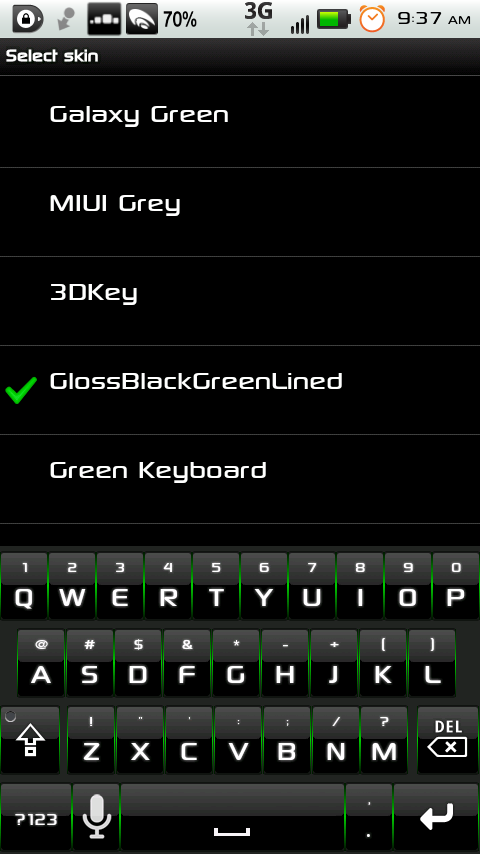
This is essentially the exact same skin as Link's original, but I found the top half of the keys too white (like fighting a glare) so I swapped another image for that one, and now I'm happy with it. Again, this is all Link, but I placed a different file in place of the "problem." I didn't change the name, so if you have the original, you might get a bit confused, but they'll both work just fine.

Attachments

GlossBlackGreenLined.zip 37.3 KB · downloaded 2,107 times

GlossBlackGreenLined.png
yhwhsupports
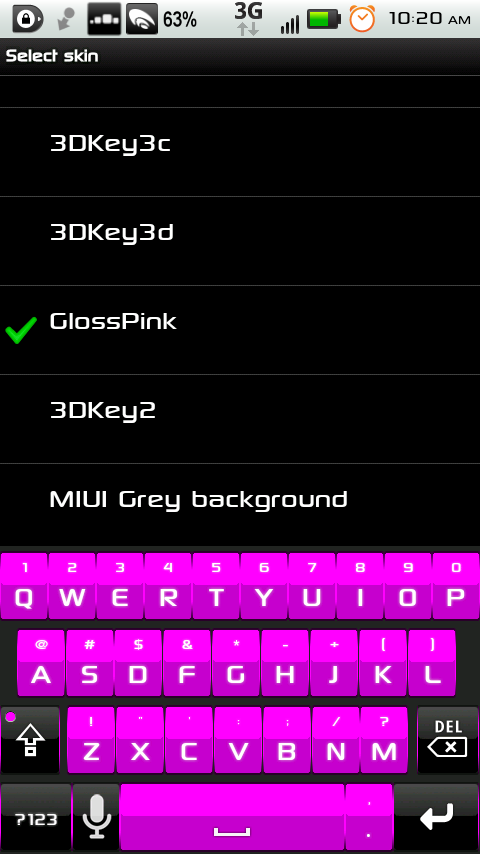
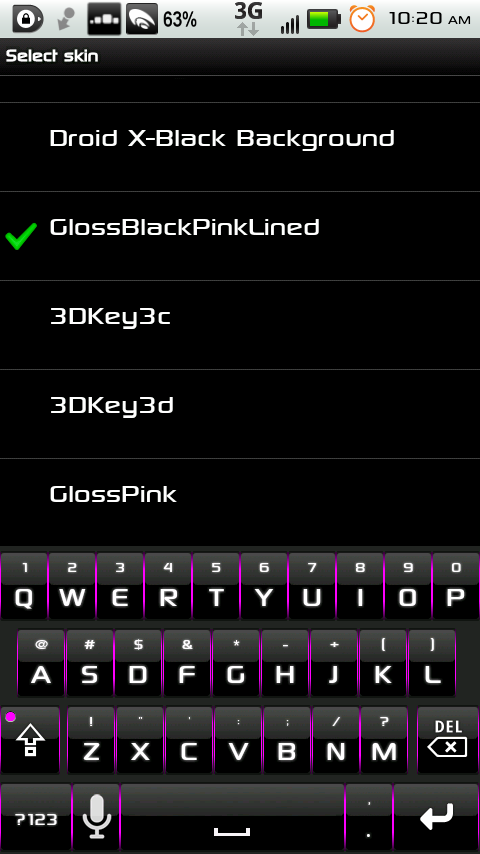
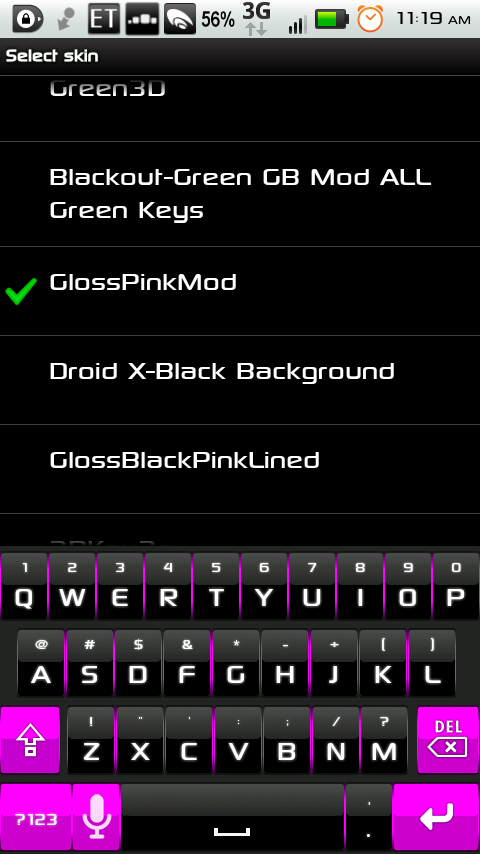
But just in case that wasn't enough pink, I made this. Enjoy.

Attachments

GlossPinkMod.zip 40.8 KB · downloaded 1,302 times

GlossPinkMod.zip 37.1 KB · downloaded 1,217 times

GlossPinkMod.png
GlossPinkMod.png
Tonya
Hi I was wondering if you would make the 3 different keyboards in purple too? I love the pink. :-) anyways it would look awesome with the same shade of purple as Chiclet Purple 1. Could you do that for me? Thanks you
Tonya
Love gloss pink mod. Just hope you can do all 3 in purple too. Same shade of purple as chiclet purple 1 ;-)
yhwhsupports
I've only had the time to update the 3 pink ones to a black suggestion bar. Maybe I'll have time later to make purple ones.
yhwhsupports
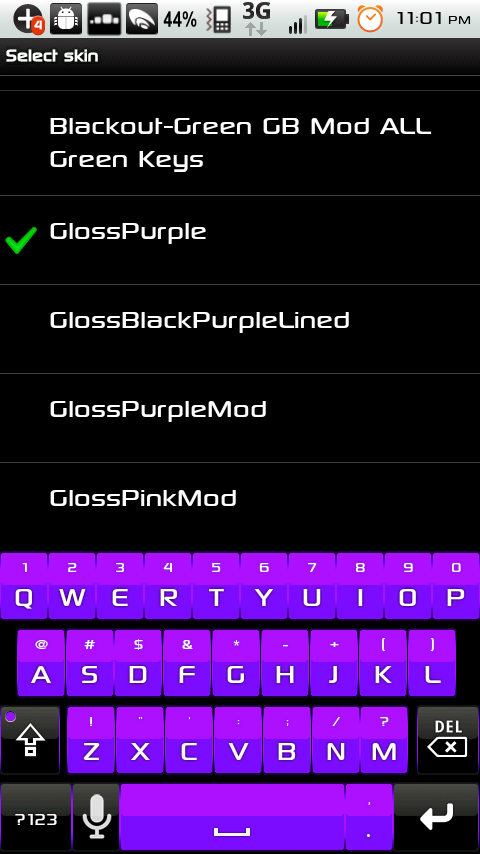
Gloss purple for the girlie girls.

Attachments

GlossPurple.zip 41.3 KB · downloaded 1,931 times

GlossPurple.png
GlossPurple.png
yhwhsupports
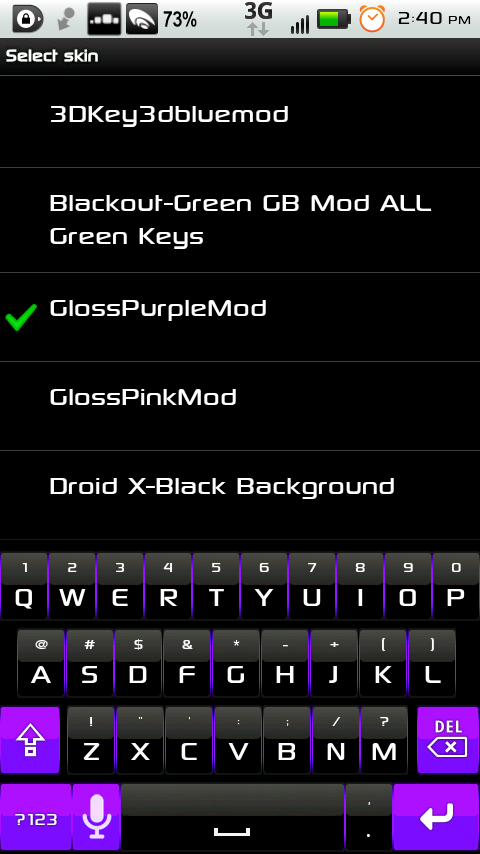
For the not-so-girlie girls...or the dudes with a sensitive side.

Attachments

GlossPurpleMod.zip 40.7 KB · downloaded 1,912 times

GlossPurpleMod.png
GlossPurpleMod.png
yhwhsupports
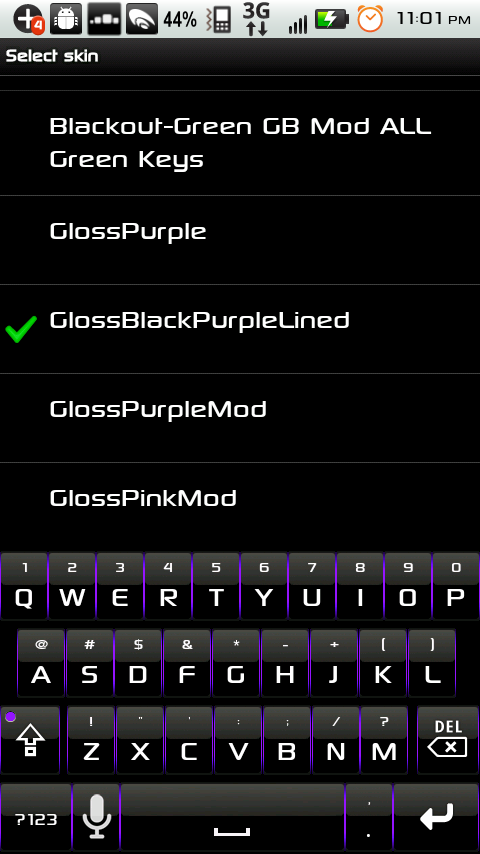
...and for the dudes keeping their sensitivity underwraps (or the girls looking for a skin just for them).

Attachments

GlossBlackPurpleLined.zip 41.3 KB · downloaded 1,982 times

GlossBlackPurpleLined.png
kctony
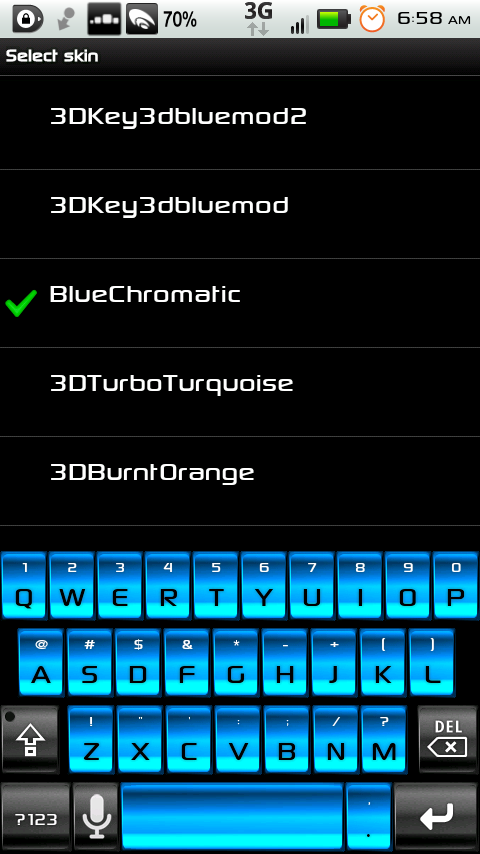
these are without question some of the best skins I've ever seen! Is it too much to ask you to do a blue chromatic skin similar to the red or green?
yhwhsupports
It was already in the making. Hope you like it.

Attachments

BlueChromatic.zip 61.4 KB · downloaded 2,198 times

BlueChromatic.png
BlueChromatic.png
kctony
that's what I'm talking about! Fantastic!!!
yhwhsupports
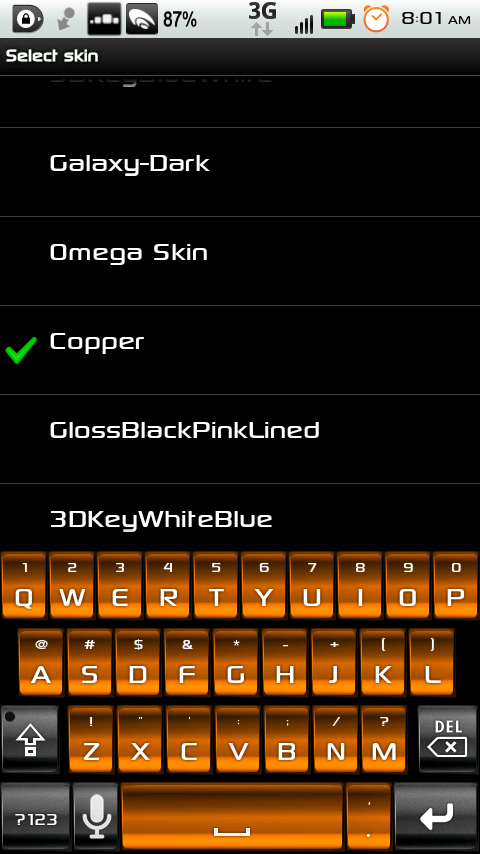
Copper...might remind you of a Duracell battery.

Attachments

Copper.png
Copper.png

Copper.zip 63.1 KB · downloaded 1,971 times

yhwhsupports
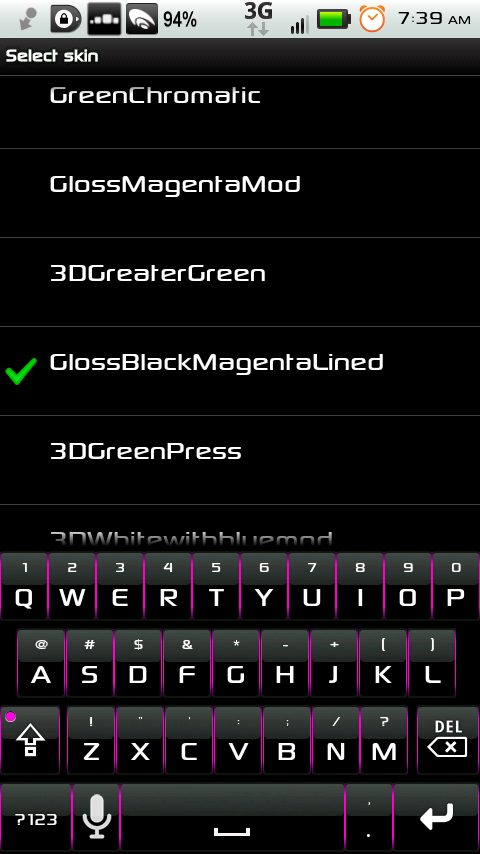
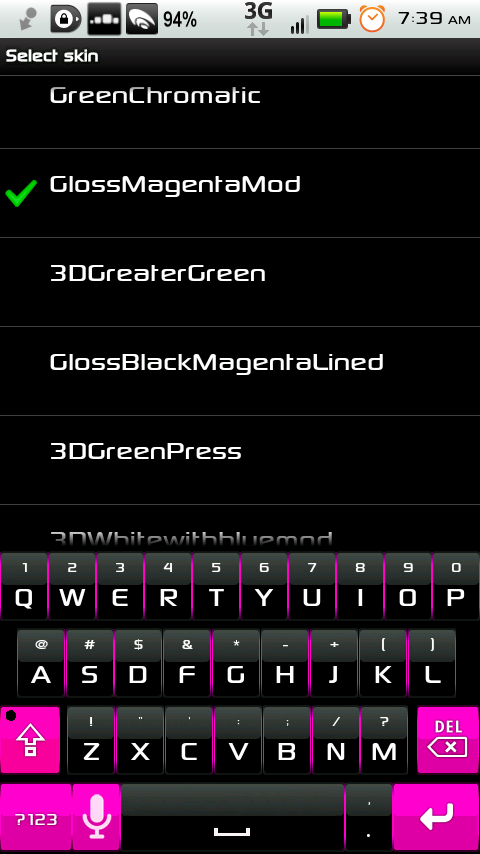
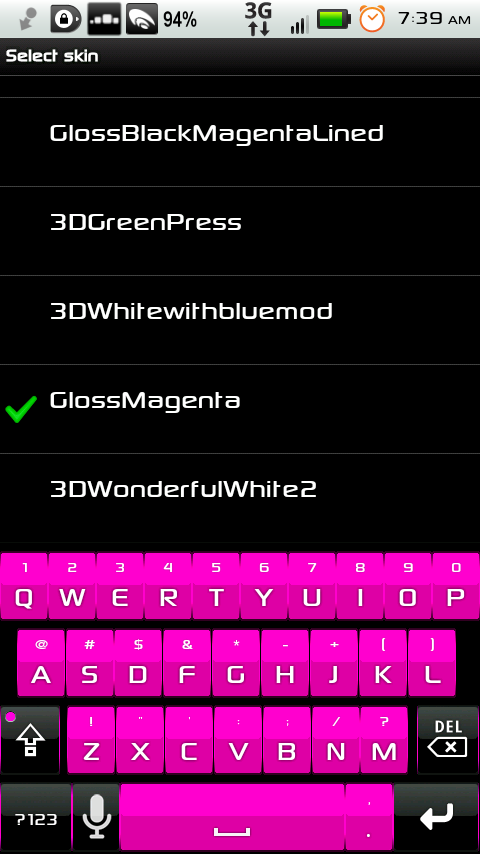
It was requested (with much ferver I might add) that I make the pink skins more pink. So, I did. Even though the colors are more pink than the fuchsia color before, I titled these "Magenta" to keep confusion down. This one might look so subtle, you won't necessarily notice the difference until the keypress image shows.

Attachments

GlossBlackMagentaLined.png

GlossBlackMagentaLined.zip 40.0 KB · downloaded 1,950 times

yhwhsupports
Tonya, why don't you post that color code you gave me, but put "ff" in front of it so everyone will know what color code to adjust their candidate color so it'll match their keyboard, should they choose any of these Magenta skins.

For anyone wondering, to change the candidate color for the suggested word, from within the Smart Keyboard Pro settings, scroll down to the bottom and select "Advanced Settings" and choose "Candidate Color." Every color code starts with "ff" then each of the next 2 digit sets belong to each of the 3 colors. Slide the first bar until you get the second 2 digits, then the second bar to get the third 2 digits, and last the third bar to get the forth 2 digits.
PrettyGrlSwag26
I wanna kno can u blend like 2 or 3 different colors? If so let me know.
vladeoff
these are nice skins.. thank you! ^_^
dan55
thanks for this thread - im liking the purple lined gloss kbrd :)

cheers