Archived forum. This is a read-only copy of the Smart Keyboard community forum (2010–2015), kept for its history and its skins. Posts are shown as they were written, so some answers are out of date — see Help for current information. Want a post of yours removed? Email contact@smartkeyboardpro.com.
maybe stubit question but whats the app you used for you battery persetage??
sorry again but how you have your 3g and receive strength in your notivication bar grey by me is it always green.. =(
yhwhsupports
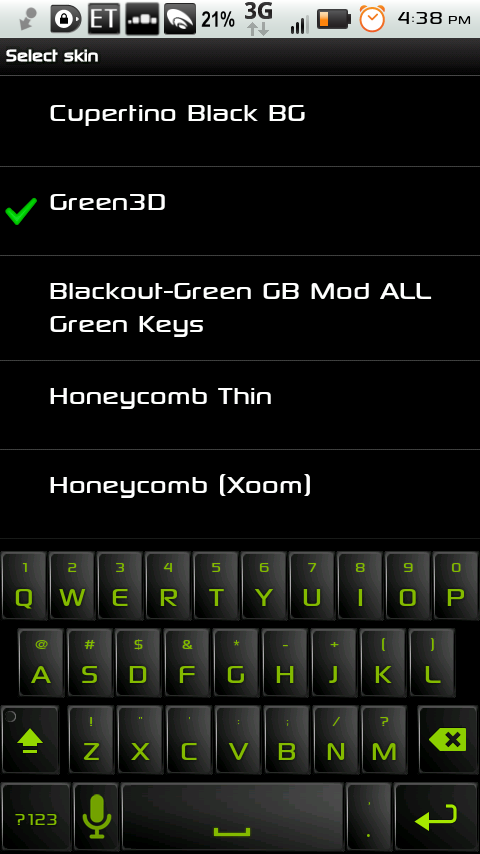
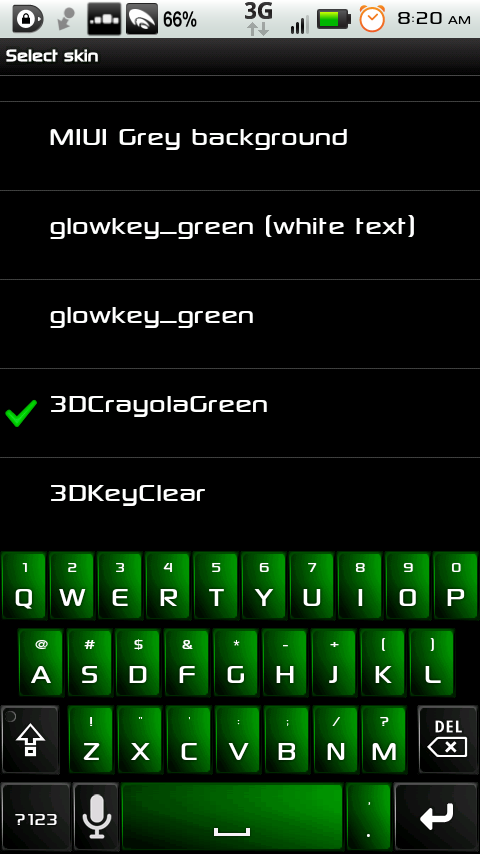
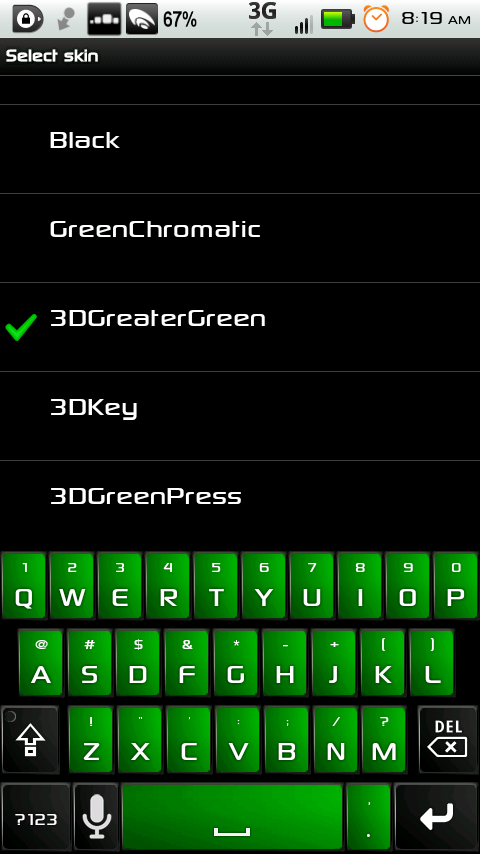
Here's my first addition to open skins. Thanks to Link for the original 3DKey, and thanks to Pino for changing the background to black, and giving me the awesome green keypress, as well as Stealthychief for his colors and shift, delete, space, enter, and search images. I put this skin together using only my phone (granted all I had to do was edit an xml file and shuffle images around, and rename some files) and it only took about 30 minutes, so be glad to know, I made this skin while I was sitting on the John (or the Lou, depending upon which country you're in). All I have is the hdpi images (I believe the ldpi is just the 3DKeyd3 file updated by Pino). I'm posting this from my phone, so if it doesn't upload the zip file and the screenshots, I'll make another post with dropbox links to the skin and screenshots. I never edited the arrows if you use those in landscape (sorry, they're white).
yhwhsupports
Here's the dropbox link (can some courteous person who knows what they're doing post the zip in this thread?) http://db.tt/5ywYMSI that was for the skin zip file, here's the link for the screenshot: http://db.tt/CUp1wPG http://db.tt/MCda1rVsnap20110730_163855.png
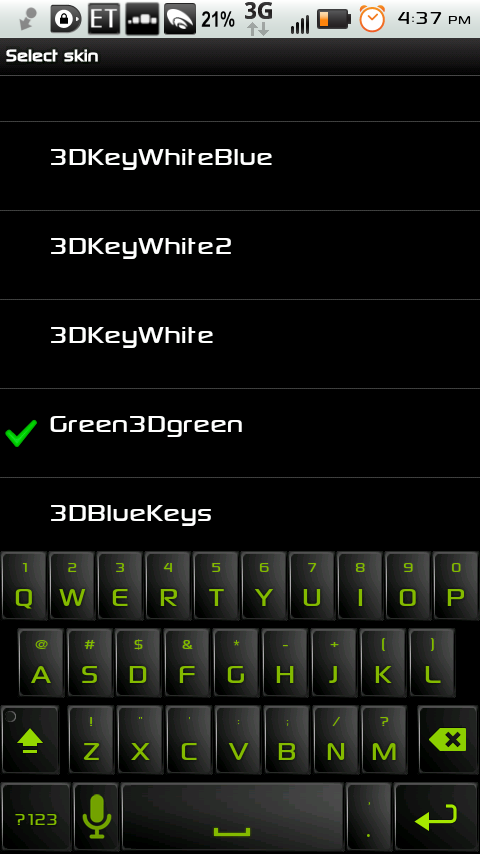
Here's the same keyboard with green background and green typed word and green other words/symbols (I left the suggested word normal so you can still select the color in SKP options menu).
Again, I'm using my phone to edit these skins and to upload on this thread, which is why I'm using dropbox (I don't know how to upload the zip and the screenshot to this thread using only my phone, sorry).
Oh, yeah...I only edited the HDPI pictures (sorry low res phone owners).
mdlam
I love the 3dkey3d!!!!
Can you make it with the blue corner buttons you did on the earlier greyish style?
yhwhsupports
mdlam wrote:I love the 3dkey3d!!!!
Can you make it with the blue corner buttons you did on the earlier greyish style?
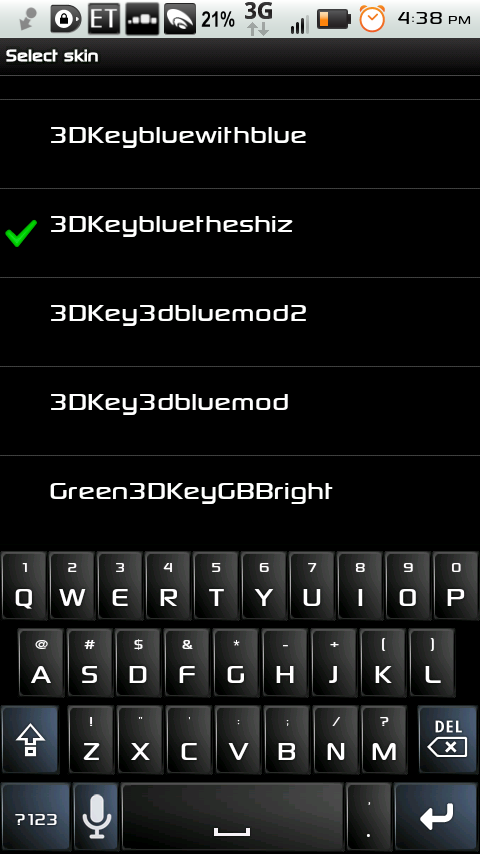
Here you go, I made two versions: the first has the blue corners (mod keys) with the same green keypress: http://db.tt/tqQ6FwE
And the second has a blue keypress for the mod keys (while retaining the green keypress for all other keys): http://db.tt/nxHj50r
I hope you like them
mdlam
I'm digging the first one ALOT, the blue makes it awesome, do you think you can make the shift key blue as well? The symmetry would make it amazing.
yhwhsupports
I'm not sure, as that's not a mod key (and I really don't know much of what I'm doing) but I'll look into it. I believe the way SKP is written, the shift key has to be a normal key, but again, I'll look into it.
mdlam
Oh ok if not its fine, I'm still going to use it 24/7.
yhwhsupports
Glad you like it.
yhwhsupports
I was wrong, I've got the new file right here: http://db.tt/pYtw024snap20110730_163836.png
Perhaps you'll like this one, I changed the words in the suggestion bar to be as close as I could get to the color of the blue buttons, but since they're so light, it is a bit harder to see the words on the black suggestion bar, but I'm posting it just in case you'd like to take a look.
I think the alternative color you did for the suggestion bar was a solid idea but I think the blue is too hard to see. White isn't bad, but what if you tried the same nvidia green instead of the blue suggestions?
mdlam
The light blue color for the words is a fail, its way too hard to see. 3Dkeybluetheshiz is pretty much if not already the best damn looking keyboard currently available on touchphones, is a perfect design. We could try a nvidia green on the suggestion bar alternatives...but we already have a perfect working design, I would pay 1 or 2 bucks for this skin.
yhwhsupports
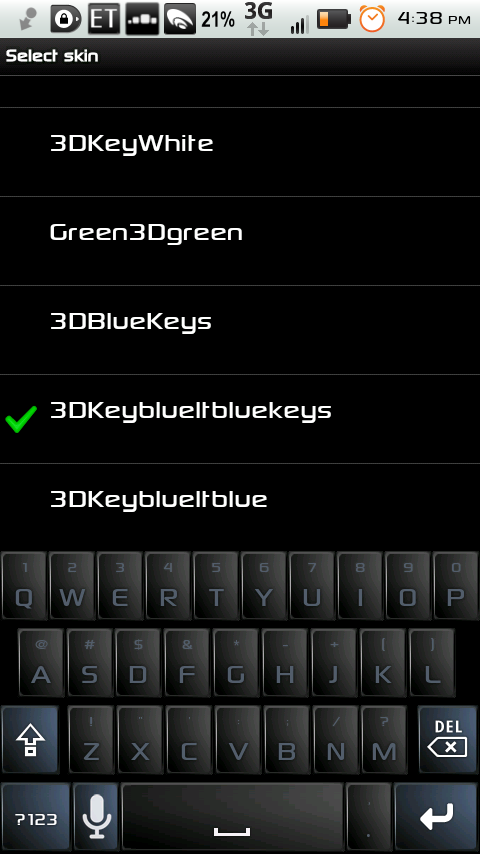
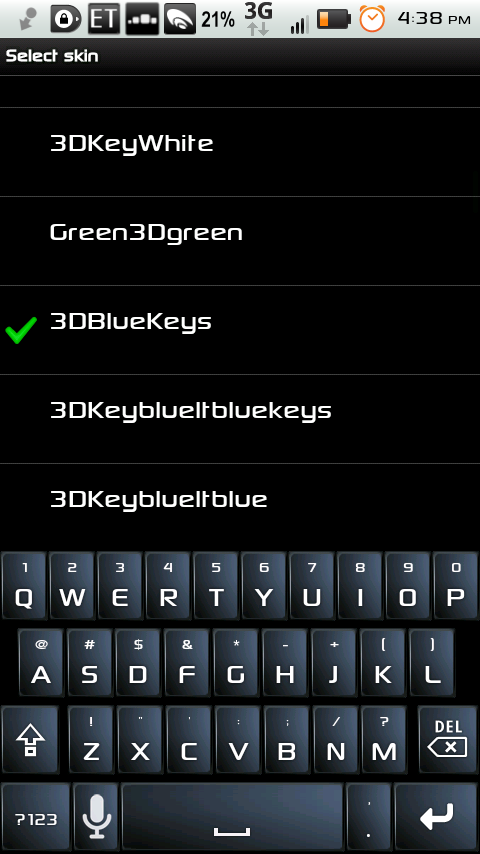
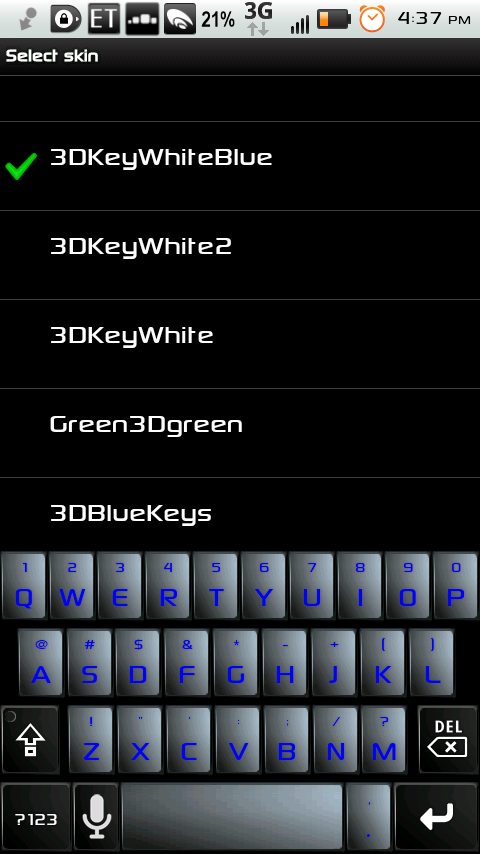
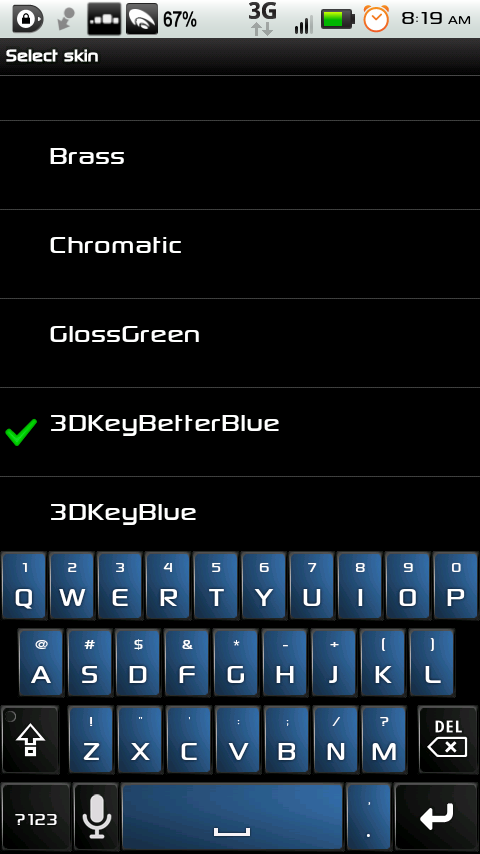
If anyone is interested, here's a blue edition of 3DKey. It should work on all phones (hdpi and ldpi).
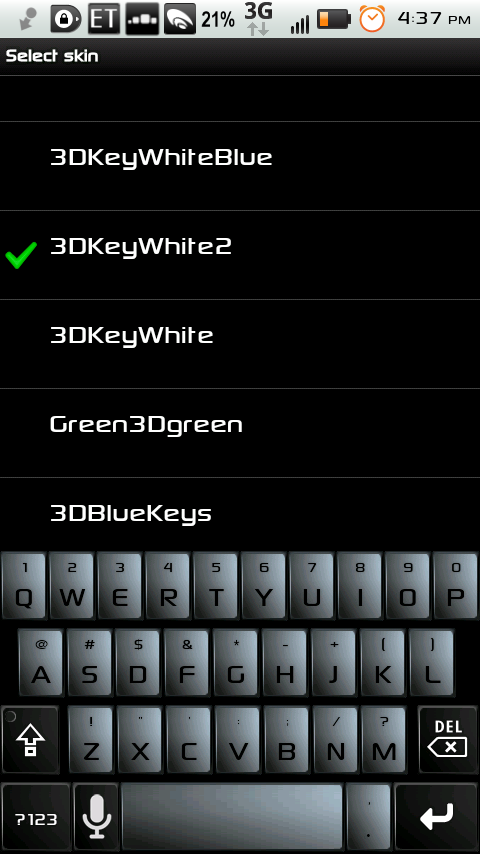
I'm not quite sure of this one, if anyone has any suggestions to make this one better, leave a comment. It's a whitish silver 3DKey with black mod keys, and black letters on the normal keys. It's only for hdpi screens.
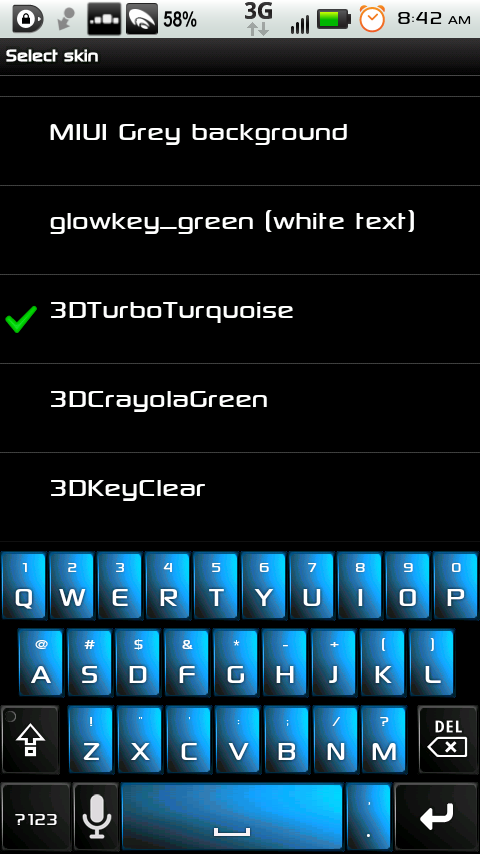
And yet another one. Sorry to all those mdpi phone owners, if you're interested in any of these skins for your low rez screen, post a reply and if there's enough demand, I'll edit the .png files for those phones.snap20110730_163748.png
Can you change the color of the long press popup. i.e. Long press "Z" and get "!". I'm using 3dKeyd and really want that to be green also.
yhwhsupports
I don't think that's possible. I don't see anywhere in the skin.xml where there is an option to change that. Perhaps it's Android native. But you can put a request in the "Feature Request" forum, and Cyril might make it an option.
jeckert21
Could you make one with the main keys being White with Black font and the alt keys the Blue key color with white font?
yhwhsupports
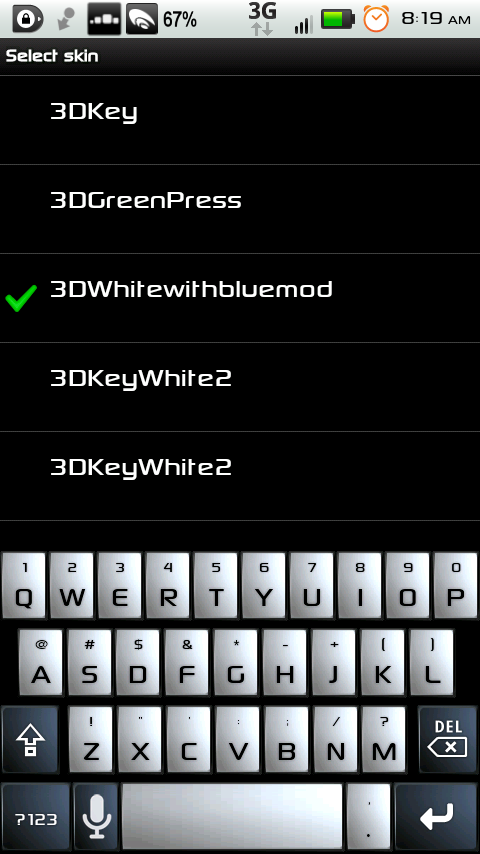
I'll see what I can do maybe this weekend about getting a more "white" colored key, but by rearranging files using my phone, I've got you this to maybe tide you over until then. Download from dropbox: